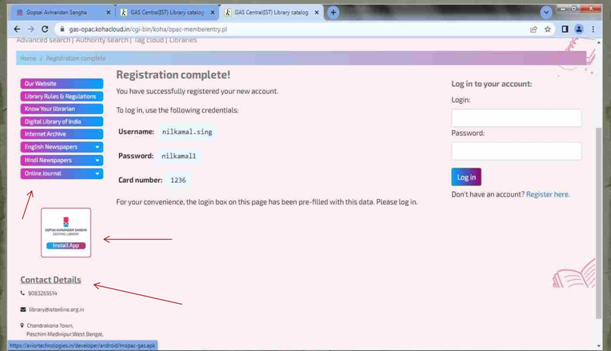
How to search in the library OPAC
Follow the steps to search in web OPAC:
- Search https://gasonline.org.in/ on any web browser.
- Click on the "book icon" on the right side corner
- Log in to your library account
- Click on "Advanced search" option
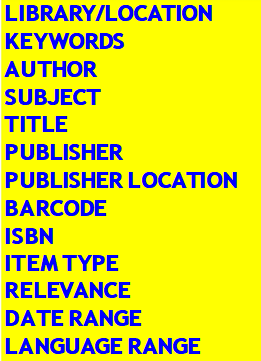
- You can search books by selecting options given on the website.
- Search for Gopsai Abhinandan Sangha https://gasonline.org.in/ on any web browser
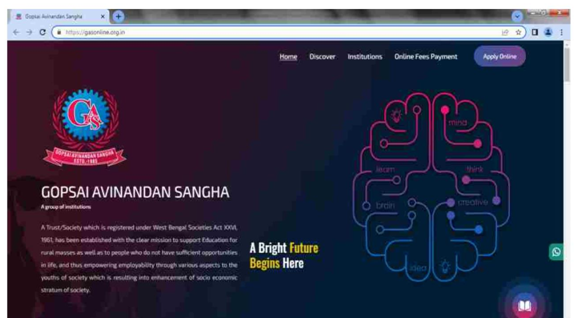
- Click on the "book icon" on the right side corner below.

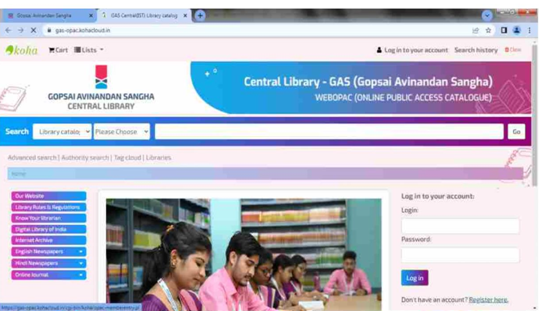
- Select your "library/location" first, then select the "item type books" and after that search your book.
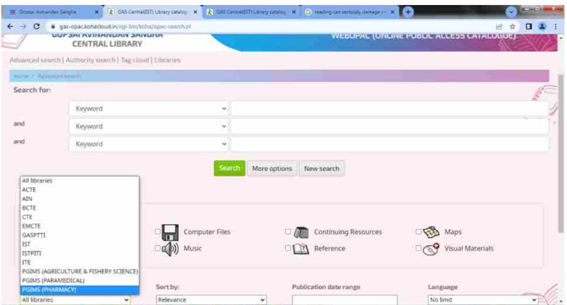
- Explore the library for more!